Inside the App
The reports are what your seller sees. This is what you see. Five screens from the app running on the same sample listing as the reports, captured as they are, not drawn.
Sample data throughout. The addresses, the comps and the logins are the demo’s. With your own listings the screens read the same, with your names on them.
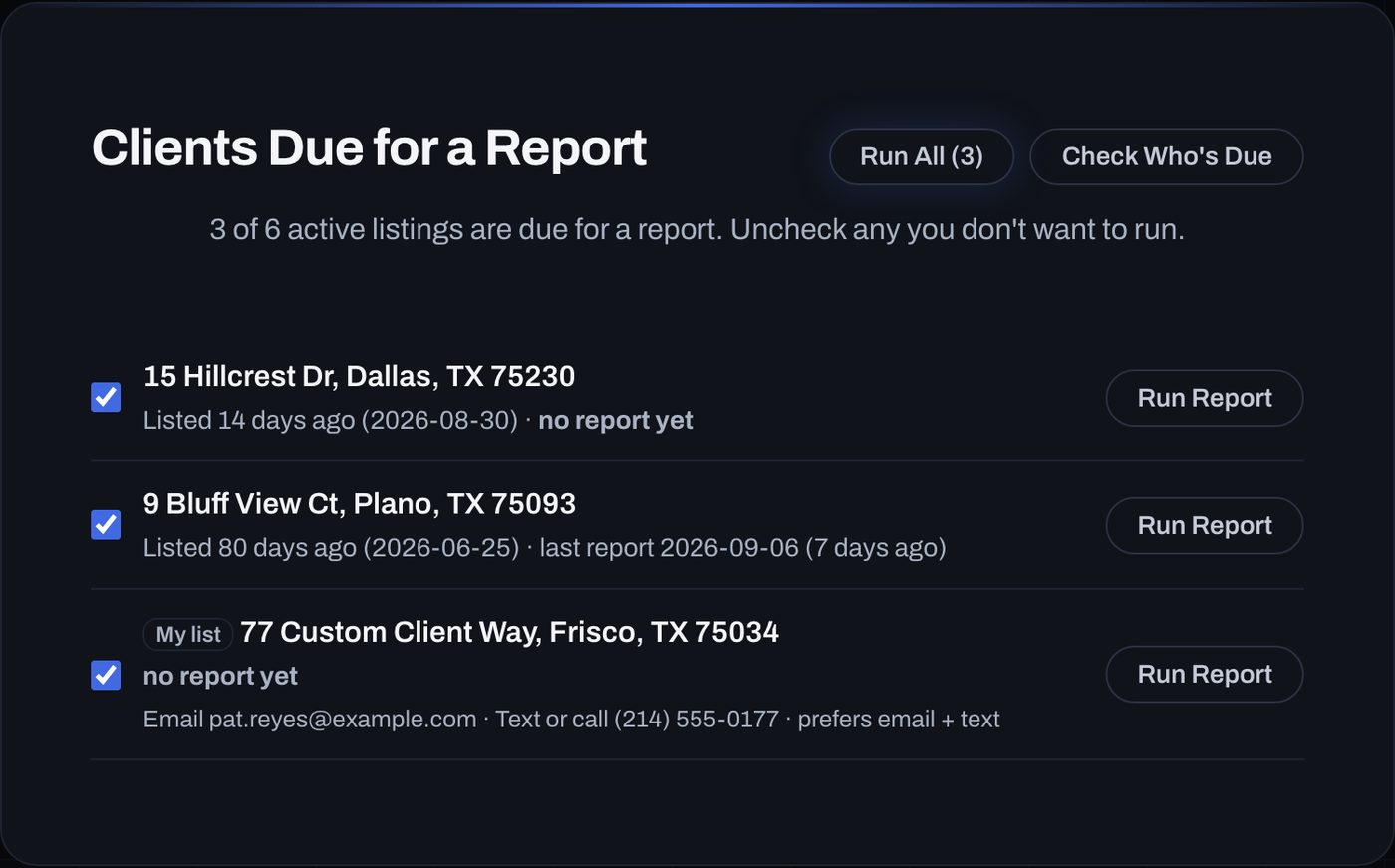
It already knows who is owed a report
Open the app and the list is waiting: every listing that is due, when it went live, when the last report went out, and how the seller likes to hear from you. That comes from the app’s own record of every report you have sent. The same record feeds each new report: what changed since last time, and the running showing total.
Watch it work, one stage at a time
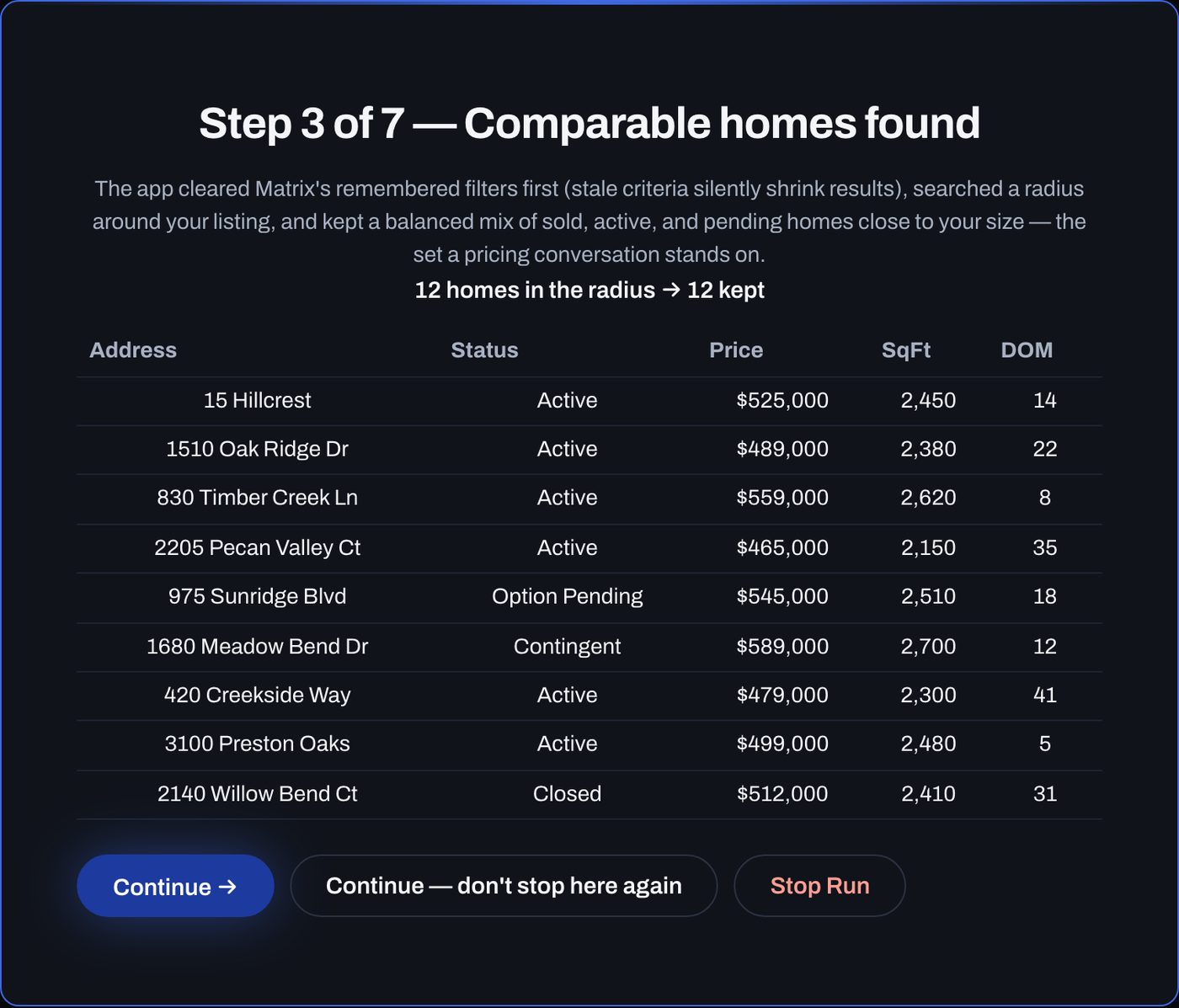
Turn on step-by-step mode and the app stops at each stage to show what it found before it goes on: the homes in the radius, the photos it pulled, what the AI made of them, the showings. Continue, tell it not to stop there again, or stop the run. Nothing is saved or billed until the report is finished.
You have the final say on every comp
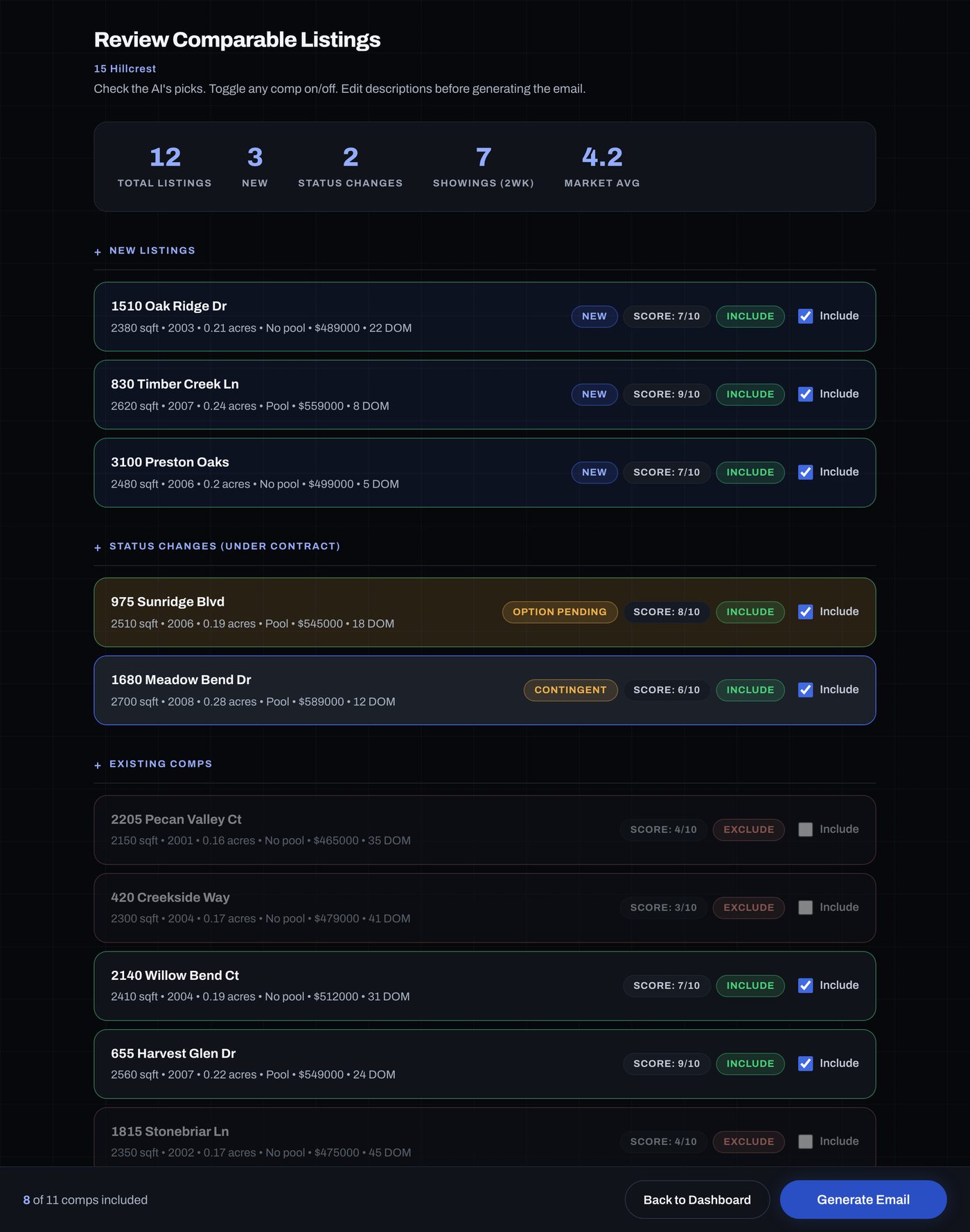
Every home the app pulled, with the AI’s score and its reasoning, and one checkbox per home. Turn a comp off and the email changes to match: the list, the averages and the counts. The AI reads the photos and writes the descriptions. It never picks a number; every figure comes from the listings themselves. It runs on our account, so there is no key to set up and no separate AI bill.
Everyone who is due, in one sitting
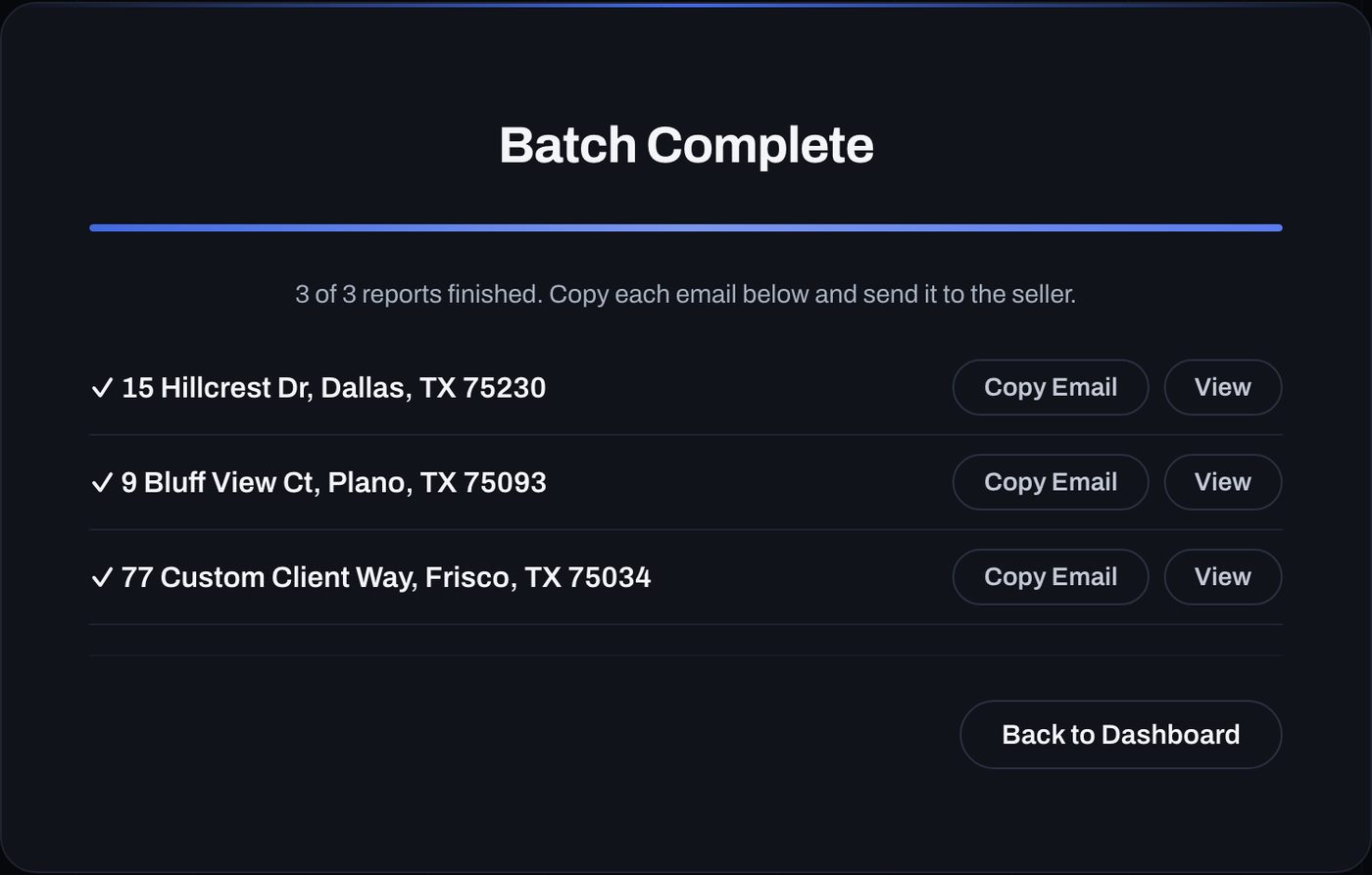
One click runs every seller on the due list, one after another, and lays the finished emails out in a row. Each one is a Copy button away. Reading it before it goes out is still your job; the app never sends anything on its own.
No MLS password here, and no place for one
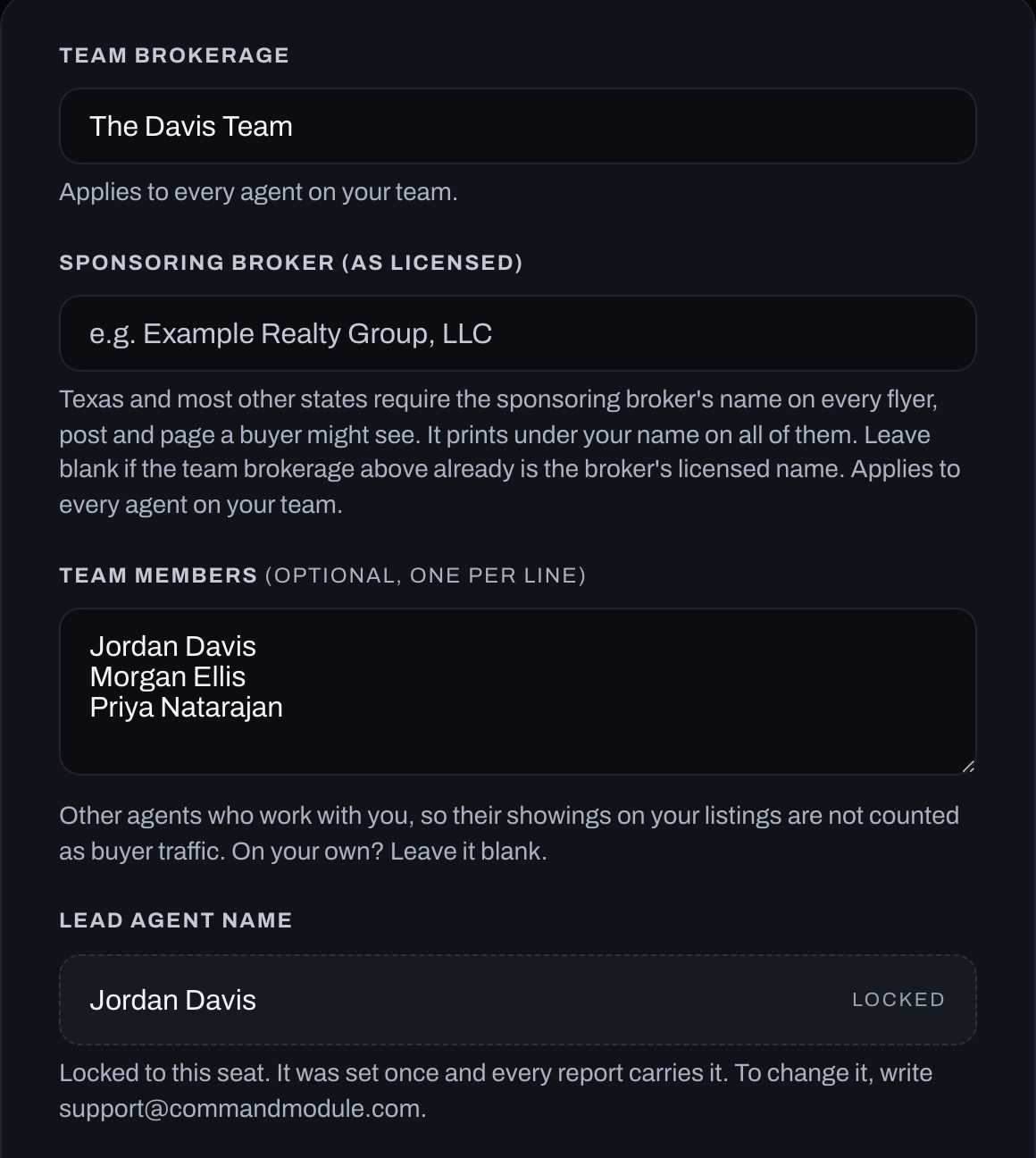
Settings holds your name, your brand and your client list. It has no place for an MLS or showings password, because MarketPulse never asks for one: the extension works in the tabs you sign into yourself. Your MarketPulse password lives on the sign-in screen, not here. Billing hears a report count, never a seller’s name or address.